UI vs UX Design: Why Great Websites Need Both
Understanding the difference between UI and UX is essential for creating digital products that are attractive and enjoyable to use.

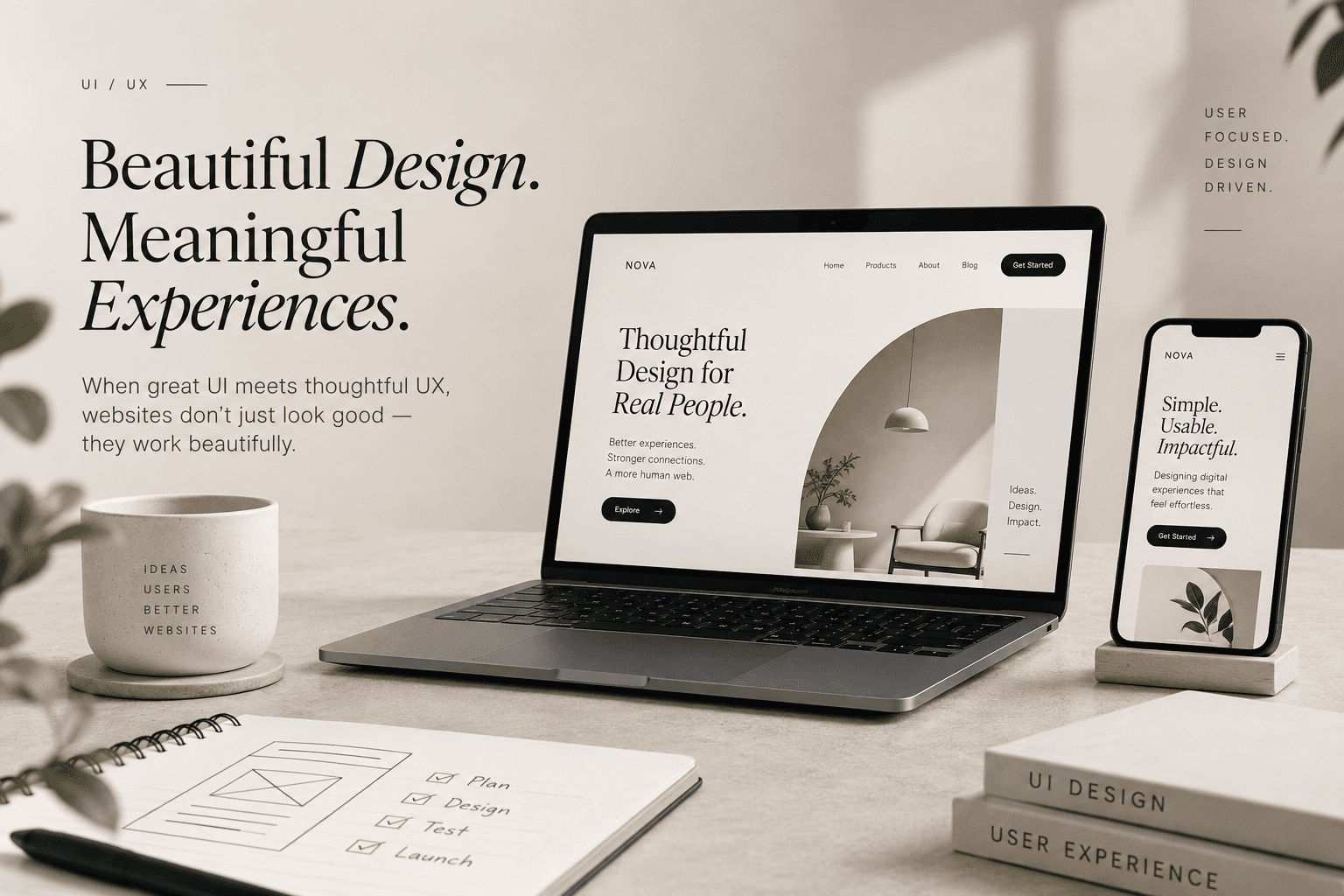
A website can look beautiful and still deliver a poor user experience. It can have stunning animations, modern colours, impressive typography, and eye-catching visuals—but if users can't find what they need, understand the message, or complete an action easily, the design isn't doing its job. This is where UI and UX design come together. While UI and UX are often used interchangeably, they solve different problems. Understanding the difference is essential for creating digital products and websites that are not only attractive but also easy and enjoyable to use.
What Is UI Design?
UI stands for User Interface. It focuses on how a digital product looks and how users visually interact with it. UI design includes elements such as colours, typography, buttons, icons, spacing, layouts, images, forms, navigation elements, and animations. A strong UI creates visual clarity and gives a digital product a consistent identity. Think of UI as the visual language of a website or application. But beautiful visuals alone aren't enough.
What Is UX Design?
UX stands for User Experience. It focuses on how a person feels and behaves while using a website, application, or digital product. UX asks questions such as: Can users find what they're looking for? Is the navigation intuitive? Is the information easy to understand? How many steps are required to complete an action? Where might users get confused? Is the experience accessible? Does the website solve the user's actual problem? UX is about reducing friction and making the journey easier. Think of UX as the experience behind the interface.
UI vs UX: A Simple Example
Imagine you're visiting an e-commerce website. The website has beautiful product photography, elegant typography, and impressive animations. That's UI. But then you try to purchase a product and discover the product information is difficult to find, the size selector is confusing, shipping costs aren't clear, the checkout requires too many steps, and the payment process isn't intuitive. The website may have excellent UI. But the UX is poor. A successful digital experience needs both. UI makes the experience visually appealing. UX makes the experience useful and effortless.
Why UX Matters for Business
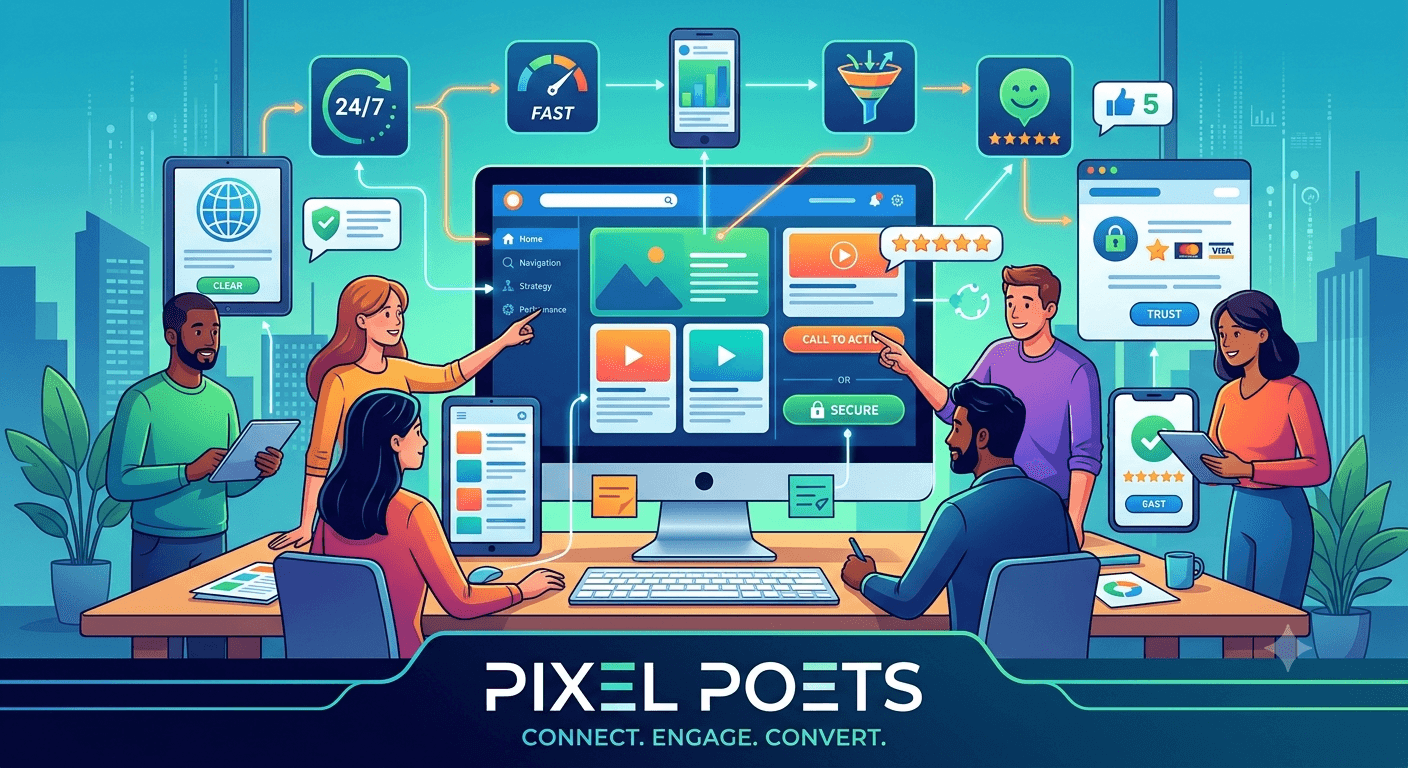
UX isn't simply a design discipline. It can directly influence business performance. A confusing website can result in higher bounce rates, lower conversions, abandoned carts, fewer enquiries, frustrated customers, and poor brand perception. A well-designed experience can make it easier for users to Understand → Navigate → Trust → Act. When users can complete their goals without unnecessary friction, businesses have a better opportunity to achieve their goals too.
Good UX Starts With Understanding Users
One of the biggest mistakes in website design is designing based entirely on assumptions. You may know your business extremely well. But your customers may think about your products, services, and website completely differently. UX design should therefore begin with understanding the user. This can involve user research, competitor analysis, customer interviews, user personas, journey mapping, behaviour analysis, and usability testing. The goal is simple: Design for the people who will actually use the product.
Information Architecture Matters
Before choosing colours or creating animations, you need to decide how information will be organised. This is known as information architecture. A good information structure helps users quickly understand where they are, what they can do, where they should go next, and how different pages are connected. If your website contains excellent content but users can't find it, the content isn't reaching its potential. Good UX makes information easier to discover.
Mobile UX Is No Longer Optional
People interact with digital products across multiple devices. A website that works perfectly on a large desktop screen may become frustrating on a smartphone. Mobile UX requires careful consideration of touch targets, navigation, typography, screen size, loading speed, forms, content hierarchy, and button placement. Responsive design isn't simply about making everything smaller. It's about adapting the experience to the user's environment.
Accessibility Should Be Part of Good Design
Great UX should work for as many people as possible. Accessible design considers users with different abilities and circumstances. This can include sufficient colour contrast, readable typography, clear labels, keyboard accessibility, alternative text, logical navigation, and proper form feedback. Accessibility isn't something to add at the end of a project. It should be considered throughout the design process.
Don't Design for Trends—Design for People
Every year brings new UI trends. Glassmorphism. Minimalism. Micro-interactions. 3D elements. Large typography. AI-generated visuals. Trends can make a website look modern, but blindly following trends can create unnecessary complexity. The best design decision isn't always the most visually impressive one. It's the one that helps users accomplish their goal. Design should serve the user—not the designer's portfolio.
The Best UI/UX Design Feels Natural
When UX is done well, users often don't notice it. They simply know where to click. They understand what to do. They find information quickly. They complete their task without frustration. That's the real power of good UX. It removes obstacles between the user and the outcome they want.
UI and UX Should Work Together
UI and UX shouldn't be treated as two separate stages where one team designs the experience and another simply makes it look attractive. They should work together throughout the design process. A strong process can look like: Research → Strategy → Information Architecture → Wireframes → UI Design → Prototype → Testing → Development → Optimisation. This approach helps create digital experiences that are both visually strong and functionally effective.